The DDoS event logs inform you about ongoing attacks and create an archive for retrospective analysis. They enable you to enhance your overall security posture by reviewing past incidents in depth, identifying trends, and strengthening your defences accordingly.
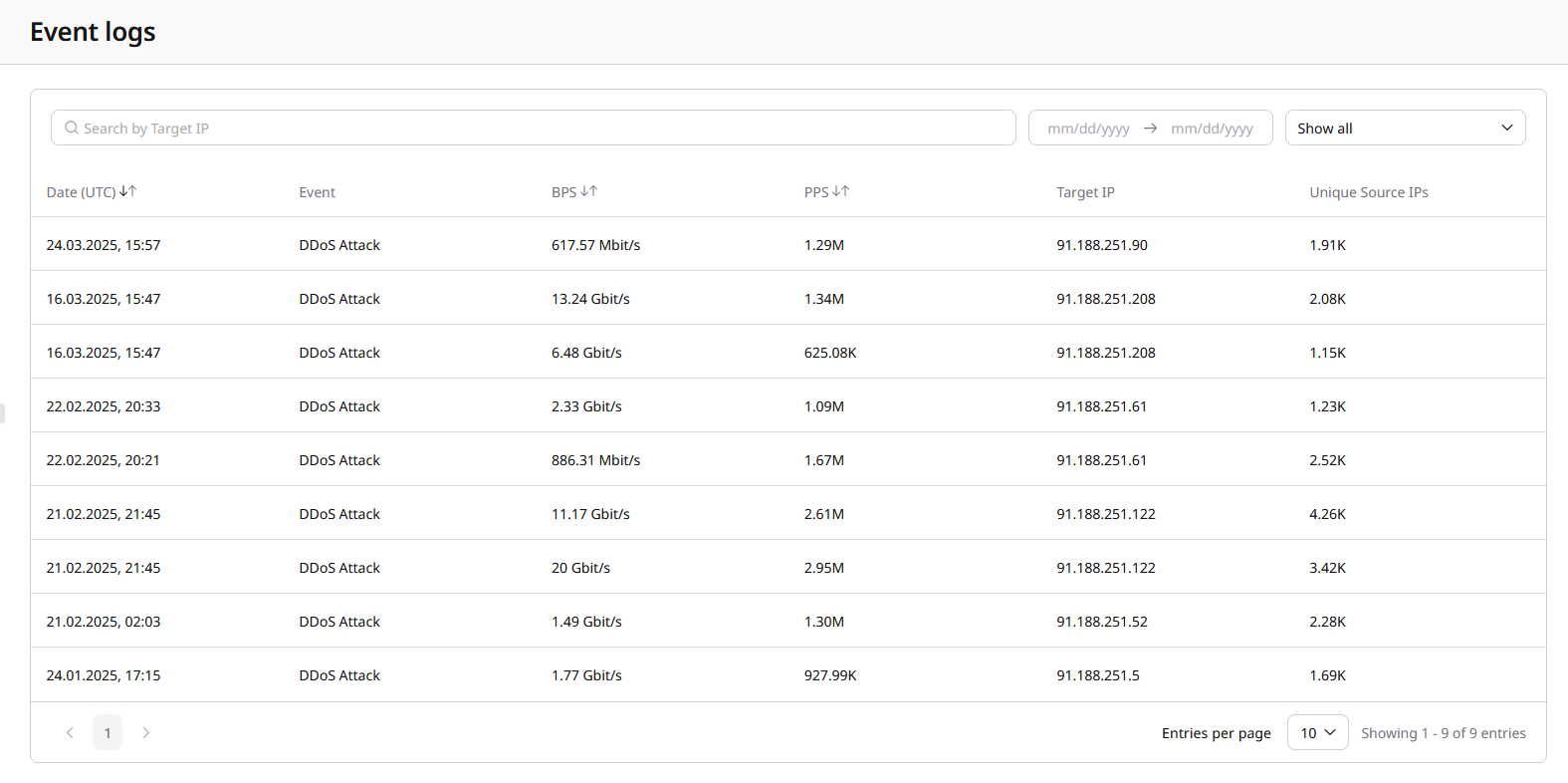
The event logs provide details about DDoS attacks of the past three months and contain the following crucial information about each attack:
- Date: The date and time the event was detected.
- Event: The type of event (e.g., DDoS Attack, RTBH).
- BPS: Bits per second at the time of attack detection.
- PPS: Packets per second at the time of attack detection.
- Target IP: The IP address targeted by the attack.
- Unique Source IPs: Number of unique source IP addresses involved in the attack.
An example event log looks like this:
TipsMonitor the Event Log regularly to ensure timely responses to network incidents. Use detailed reports not only for real-time analysis but also to identify vulnerabilities and help prevent future attacks.
View the DDoS event logs via the Gcore Customer Portal
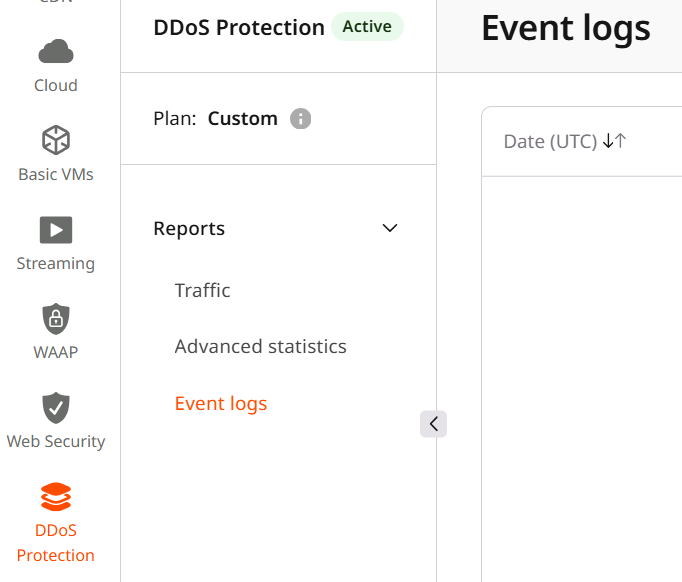
To view the event logs, open the Gcore Customer Portal and navigate to DDoS Protection > Reports > Event logs.
View event details
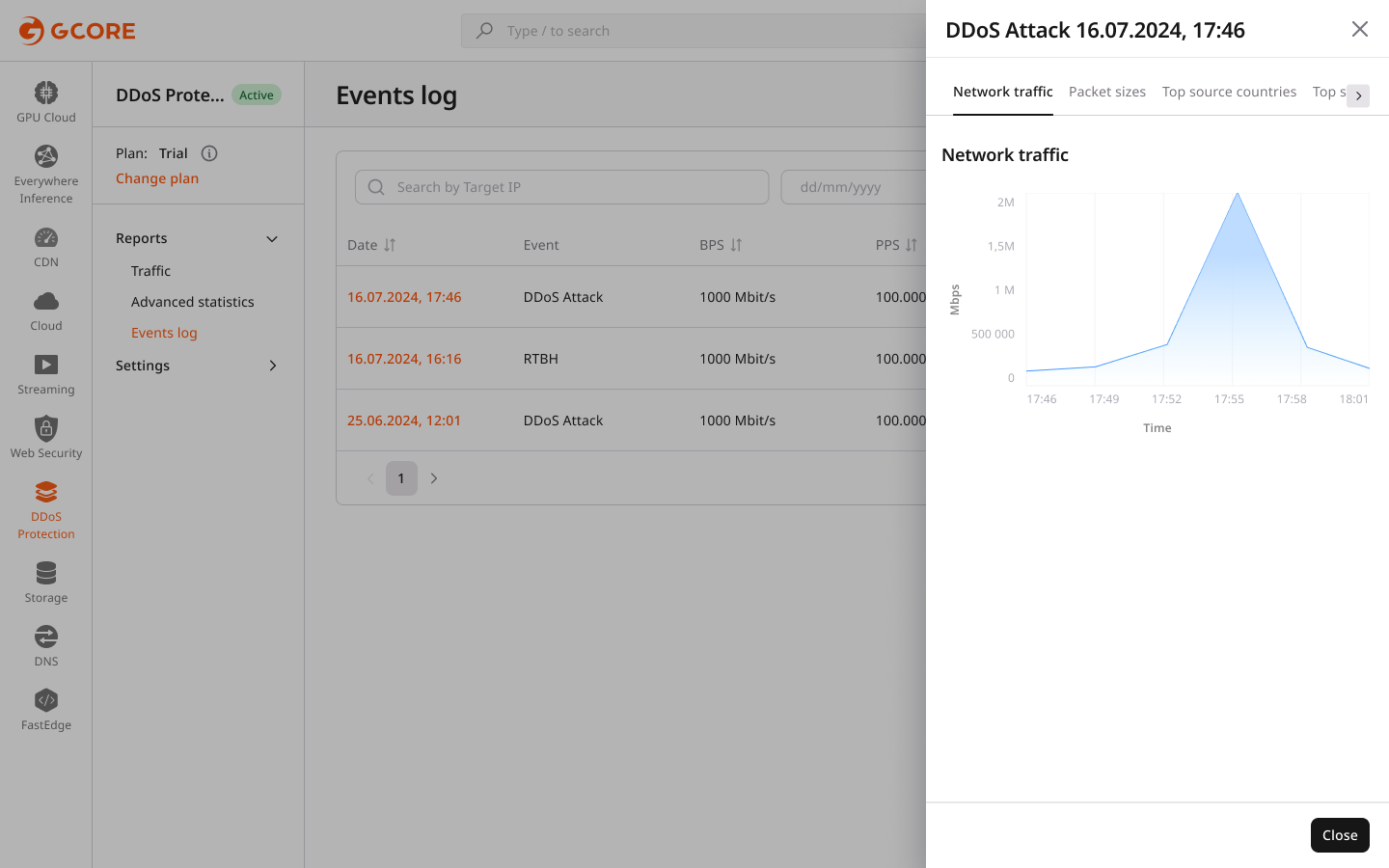
Click on a specific event to view more detailed information, including:
- Network traffic: A graph of network traffic during the attack.
- Packet sizes: The distribution of packet sizes used in the attack.
- Top source countries: The countries generating the highest traffic volume.
- Top source IPs: The IP addresses with the highest traffic volume.
- Top source ports: The source ports used by the attackers.
- Top destination ports: The destination ports targeted by the attack.
- Top protocols: The protocols used in the attack.
Error handling and missing data
If no data is available, the table will display the message: “Unfortunately, there are no entities in this table.”
The following message will appear if data loading fails: “An error has occurred. Please try again, or contact support for assistance.”
Access the DDoS event logs via the Gcore Cloud API
You can also access the event logs via the Gcore Cloud API. The related docs are in the API reference.